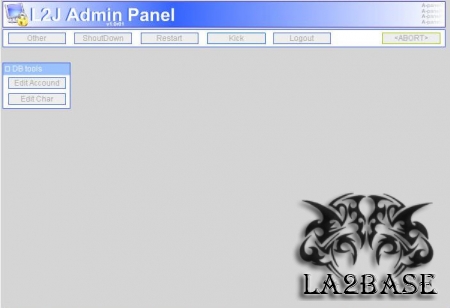
L2J WEB ADMIN (V1r5) by Orgix
Installation in localhost (your pc)
1)extract files to your web server
2)Create the COOKIE filed in table accounts of l2j serve db! (name:cookie,type:varchar,length:****allownull:1)
3)do not edit db_server & l2j_server (default=127.0.0.1)
4)edit l2j_port (set from 10000-65534, good is 54321)
5)Complete installation (if you use IIS you need change persmissions to read/write)
6)copy telnet.properties to gameserver/config folder
Installation on webserver
note: This install is not easy...
1)extract files to your web server
2)edit db_server & l2j_server to you pc ip or your DNS (myserver.no-ip.com)
2)complete installation (if you use IIS you need change permissions to read/write)
3)copy telnet.properties to gameserver/config folder
4)ping your web server (run-->cmd-->ping www.mysite.com) and take the ip
5)open telnet.properties and edit ListOfHosts = your webserver ip here (taked from ping)
6)edit permission from mysql server to accept incoming connection from your website
7)if you have rooter you must PortForward the port of telnet and mysql port
Обычная версия
[hide]
[/hide]
Версия для нубов
[hide]
[/hide]
Похожие статьи
Комментарии
Войти чтобы оставить комментарий
Luccifer